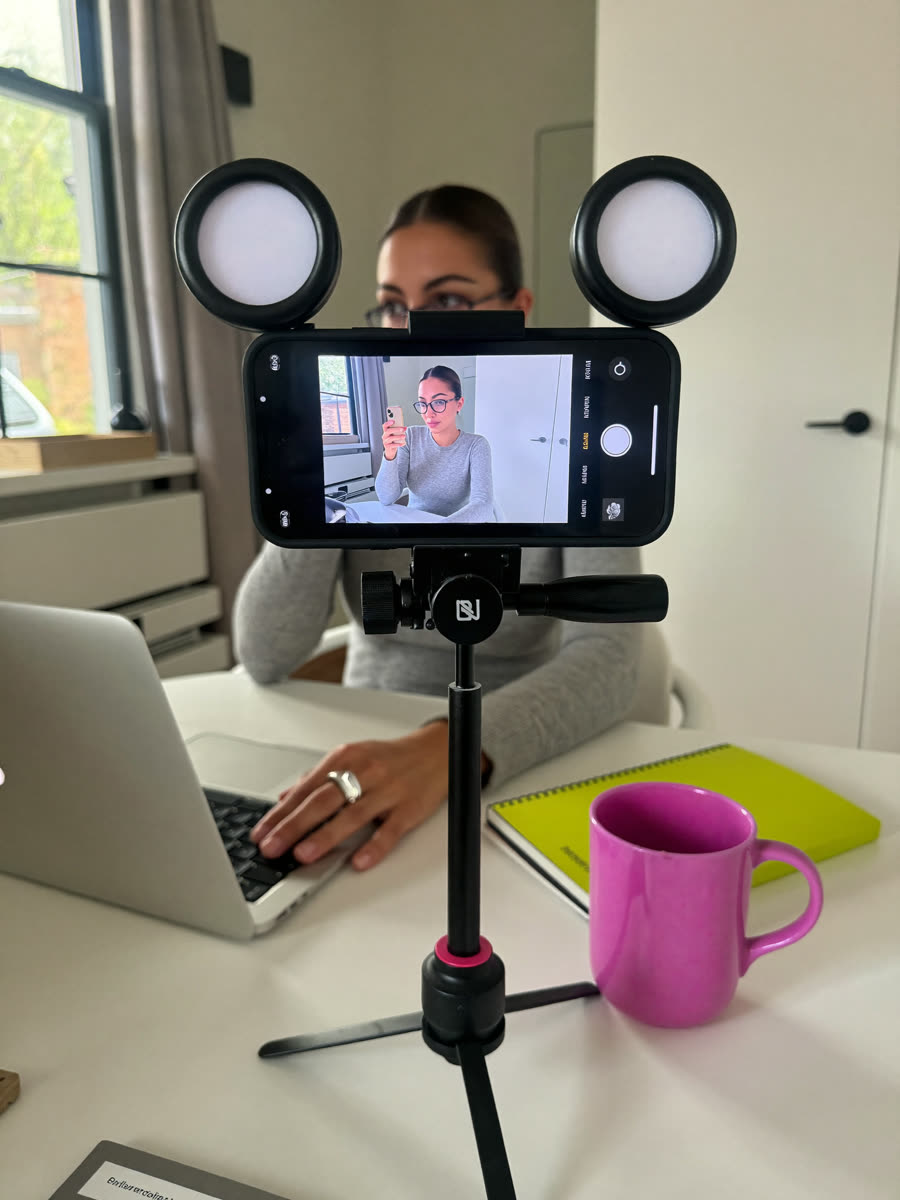
Turn Claude or ChatGPT into your own video editor. It cuts your pauses, adds your captions in your brand, and shows you a storyboard to approve before anything exports. One paste to set it up. No code. No terminal.
Works with Claude or ChatGPT Codex. Mac or Windows.
You film the way you always do. Your editor handles the rest. You stay the director.
/edit in Claude or $edit in Codex.
Not a generic editor. It learns you.
Show it 3 to 5 reels you love, or your own. It pulls your fonts, colors, captions, and pacing into one sheet and uses it on every video.
Whooshes, typing, pops, and music, all CC0. That means you can use them for your business with no credit and no rules to remember.
Before it exports, you see every beat. Approve it or type a note in plain words. No more re-exporting five times.
Keeps your best take, cuts the ums and long pauses, and never puts text over your face.
v1, v2, v3, plus a cover image for Instagram. It never overwrites a version you liked.
It works on a copy. Your raw footage never gets touched.
Your storyboard dashboard, in your brand colors. Every beat gets a card. Approve it, or type what you want changed. Then copy your notes and paste them back. That's it.
Most of that is waiting while it installs. You only do this once. If you can copy and paste, you can do this.
Download it from claude.ai/download and sign in. At the top, click the Code tab.
On your Desktop, make a new folder called AI Editor. That's the only folder you make. Your editor builds the rest.
In the Code tab, start a new session. Choose Local, click Select folder, and pick AI Editor.
This installs your editor and starts setup. When it asks permission to run something, read the one-line explanation and click allow.
It installs the tools, asks for reels you love (or your brand colors and font), grabs free music and sound effects, shows you your storyboard dashboard, and makes a 7-second test clip. Then you're done.
From now on, type /edit.
Download the ChatGPT desktop app for Mac or Windows and sign in. At the top, switch to Codex.
On your Desktop, make a new folder called AI Editor. That's the only folder you make. Your editor builds the rest.
Add a new project, pick your AI Editor folder, and make sure it runs Local, on your own computer.
This installs your editor and starts setup. When it asks permission, read the one-line explanation and approve it.
/permissions, allow network access, and say "keep going."It installs the tools, asks for reels you love (or your brand colors and font), grabs free music and sound effects, shows you your storyboard dashboard, and makes a 7-second test clip. Then you're done.
From now on, start a new chat in your project and type $edit.
Open the app, open your AI Editor folder, and go.
ugc-hook and drop it in RAW./edit in Claude or $edit in Codex.| Say this | What happens |
|---|---|
/edit ugc-hook | Edits that video. In Codex, use $edit. |
/edit ugc-hook, no music, punchy zooms | Skips the questions you already answered. |
/edit all | Edits every new video in RAW, one at a time, with a storyboard for each. |
| "Music's too loud" or "cut faster in the middle" | Fixes it and saves a new version. |
| "Save this to my brand sheet" | Every future edit starts from there. |
Drop graphics in assets/ugc-hook | They go on that video only. Your logo can sit loose in assets for every video. |
Short answers. Your editor can explain anything else. Just ask it.
No. You copy one message, paste it, and answer questions in plain words. Your editor does the technical part and explains each step in one sentence.
Copy the error, paste it back into the chat, and say "fix this." That fixes almost everything. If it says something can't be found after an install, quit and reopen the app, open the same folder, and say "keep going with setup."
Start a new session or chat in your AI Editor folder. Your editor loads when a new chat starts. In Codex, it's $edit, and you can also type /skills to find it.
Yes. It only grabs CC0 audio, which means public domain. Use it for your business with no credit needed. Want a trending sound instead? Tell it "no music, I'll add a trending sound in the app."
No. It studies them once to build your brand sheet, then takes inspiration without copying. Their footage, audio, and graphics never go in your videos.
Yes, for quick ones. Say "/edit ugc-hook, skip the storyboard." You can still give notes after.
Your editor tells you which font file to get. Drop it in assets/fonts. Using a Canva font? Many are free at fonts.google.com. Until then, it uses the closest match.
Send it new reels you love and say "update my brand." Or just say what you want, like "make my captions bigger from now on."
Download these 2 files: SKILL.md and dashboard-template.html. Put them in a folder called edit inside your skills folder: ~/.claude/skills for Claude, or ~/.agents/skills for Codex. Then open your AI Editor folder and type /edit or $edit.